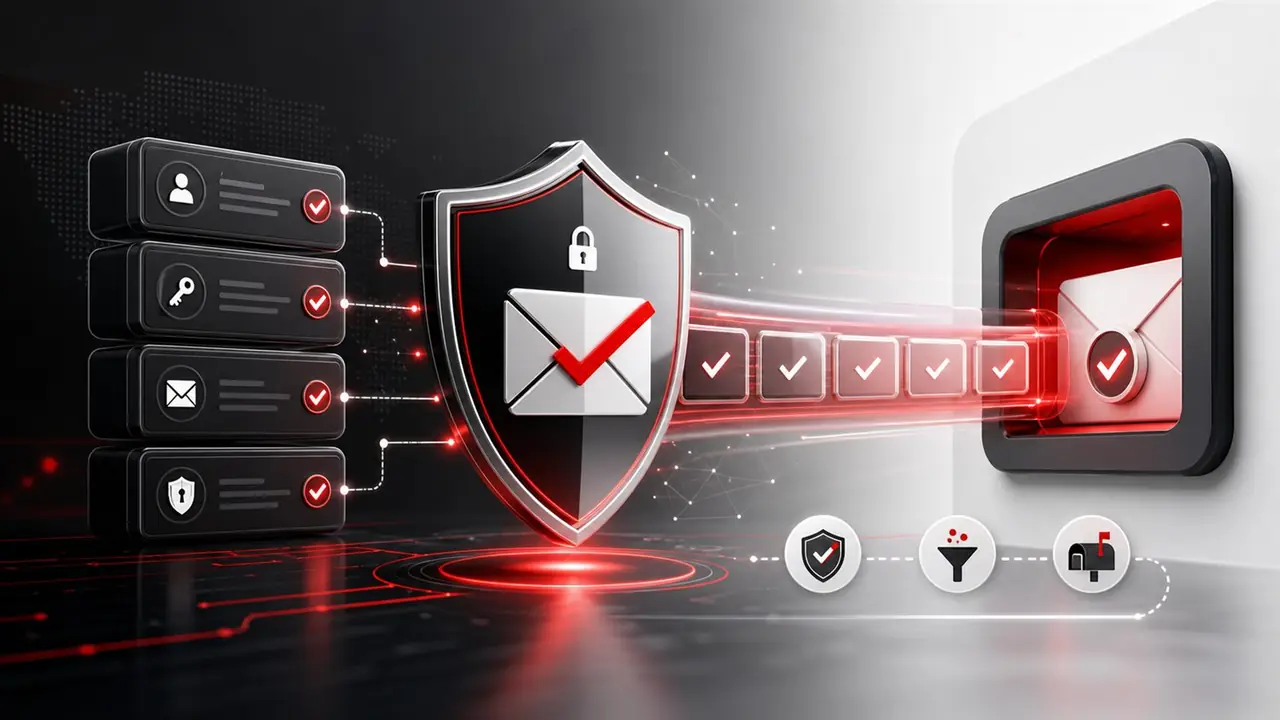
Authentication
Set up SPF, DKIM and DMARC with confidence.
Authentication helps mailbox providers understand that your emails are authorized and trustworthy.
SPFAuthorize sending servers.
DKIMAdd cryptographic sender signing.
DMARCProtect domains and monitor policy.
SMTPConnect authentication with SMTP.
Share requirement
Get recommendation
Start support
Important Details
SPF, DKIM and DMARC setup details.
These compact points preserve the useful information from the earlier detailed page while keeping the layout clean.
Authentication checklist
Sender authentication should be checked before campaign scaling.
SPF, DKIM and DMARC are not decorative DNS records. They help receiving servers verify who is allowed to send, whether messages are signed and how unauthenticated messages should be handled.
Next Step
Turn this page into a clear action plan
Choose the service that matches your requirement, compare demo pricing, or share your current sending and lead requirement with the QuickSolutions4u team.